We design and implement practical support and lead-response workflows that reply fast, qualify requests, and route messages to the right place, without replacing your current tools.
Support + Lead Response Map
Routing rules, escalation triggers, and handoffs across every channel.
FAQ + Response Library
Approved answers for common questions, services, policies, and next steps.
Lead Intake + Qualification Flow
Smart questions that capture scope, urgency, and fit before your team engages.
Routing + Notifications Setup
Auto-tag, prioritize, and alert the right person based on intent and urgency.
Documentation + Team Handoff
Simple playbooks so your team runs the system with confidence.
Faster Replies Without Hiring
Customers get timely answers during busy hours and after-hours.
More Booked Calls
Qualified leads move to scheduling or the right next step automatically.
Fewer Dropped Conversations
Stalled threads trigger escalations so nothing quietly slips through.
Consistent Customer Experience
Replies stay accurate, on-brand, and consistent across your team.
Less Repetitive Work
Your team spends less time answering the same questions every day.



Problem:
Leads come in from forms, email, and social. Responses happen late during busy days and after-hours requests sit until morning. By then, the lead already called someone else.
Solution:
We connect your website form, inbox, and scheduling into a single workflow that instantly confirms the request, asks a few qualifying questions, and routes the lead into the right path. High-intent inquiries get pushed to booking. Lower-intent inquiries get a follow-up sequence. Urgent messages trigger internal alerts.
Common problems this fixes (bullets):
Leads sitting in an inbox without a reply
No clear owner for new inquiries
After-hours requests going cold
Repetitive “what’s your pricing” questions eating staff time
Missed follow-ups when the team gets slammed
How the workflow runs (illustrative):
Lead comes in (form, email, or DM)
Instant confirmation goes out (email/SMS)
Intake questions capture scope + urgency
Lead is tagged and routed (service, location, intent)
Booking link sent for qualified leads
Escalation triggers if no response within a set window
Weekly summary reports volume, response time, and booked outcomes
Result:
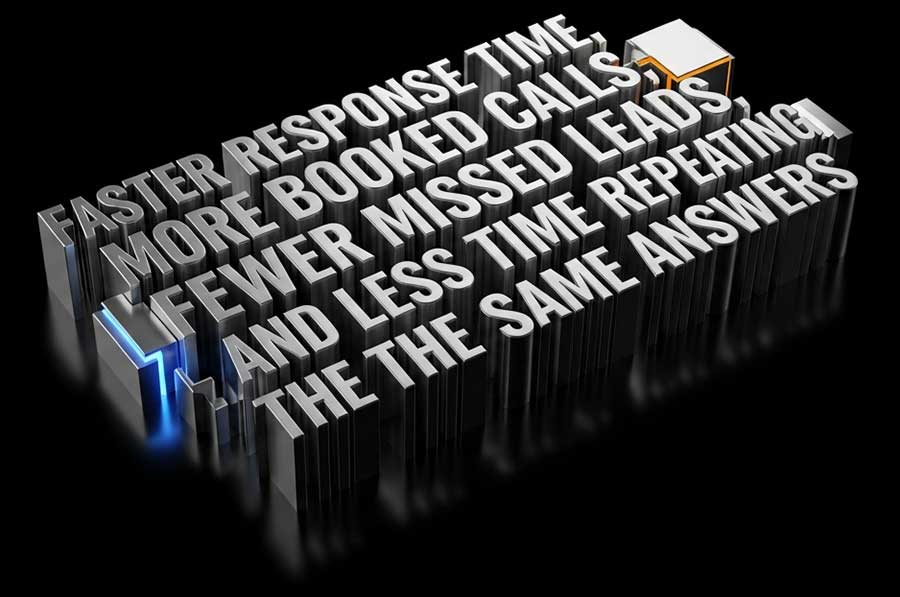
Faster response time, more booked calls, fewer missed leads, and less time spent repeating the same answers.
Problem:
Support requests, client questions, and “quick asks” all land in the same inbox. Messages get buried, response time varies, and clients follow up because they don’t know status.
Solution:
We implement inbox triage that tags and prioritizes requests, assigns ownership, and turns key messages into tracked tickets. Then we add status notifications so clients get automatic updates without chasing your team.
Common problems this fixes (bullets):
Important client messages buried under noise
Inconsistent response time across team members
No system for ownership and accountability
Clients asking for updates because status is unclear
Manual reporting on “what happened this week?”
How the workflow runs (illustrative):
Message arrives (email/form)
Tag + priority applied automatically
Ticket created and assigned to an owner
SLA timer and reminders trigger if stalled
Status updates sent at key milestones
Weekly summary reports volume, categories, and response time
Result:
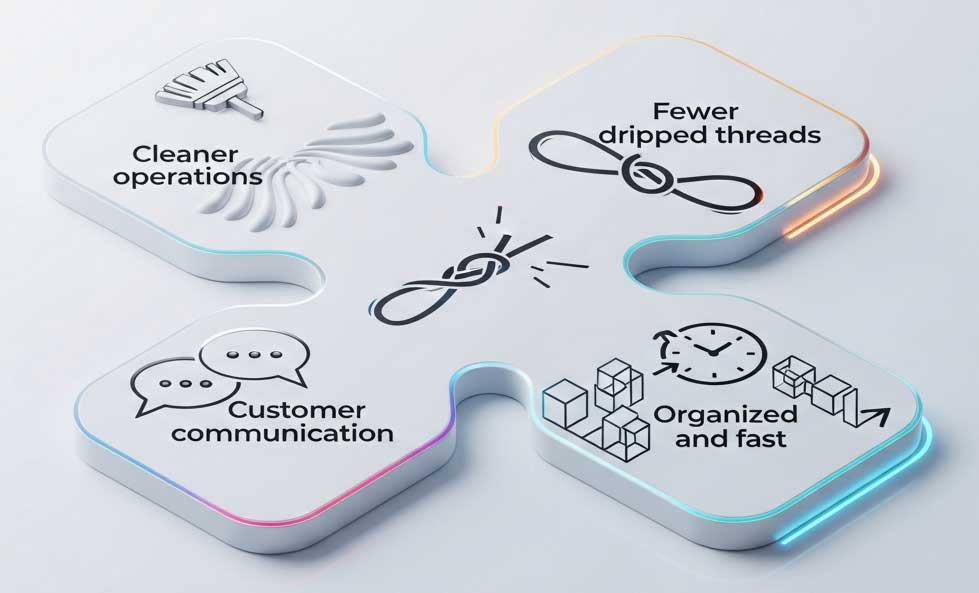
Cleaner operations, fewer dropped threads, and customer communication that feels organized and fast.
Answer a few quick questions and we’ll recommend the best support and lead-response automations for your business. It takes less than 60 seconds, and the plan is tailored to your tools, your workflow, and your inquiry volume. No sales pressure. Just a clear plan.
Built around your current inbox and customer channels
Focused on fast response, clean routing, and fewer missed leads
Clear next steps you can implement immediately
Most setups start with quick wins in the first 1–2 weeks, then expand as we refine answers and edge cases.
No. We build around your current stack and connect what you already use whenever possible.
Yes. We separate intent (lead vs support), ask different intake questions, and route each to the right path.
A clear plan: what to answer instantly, what to route, what to escalate, and how the workflow should run end-to-end.