
Think Above AI - AI Coaching and AI Strategies
Think Above AI - AI Coaching

llms.txt and llms-full.txt: The Simple Setup That Helps AI Find the Right Pages

Written On: March 5, 2026
Written By: Think Above AI

AI answers are becoming a new discovery layer. People ask ChatGPT, Claude, Perplexity, and others “Who offers AI automation near me?” or “What’s the best AI coaching service for a small business?”

If your site is hard for AI systems to parse, they guess. Guessing is how you get left out or described incorrectly.

That’s what llms.txt and llms-full.txt fix.


What llms.txt is (and why it matters)

llms.txt is a lightweight file placed at:

  • https://yourdomain.com/llms.txt

It’s written in simple Markdown so AI systems can quickly understand:

  • who you are
  • what you do
  • what pages matter most
  • what to cite first

Think of it as a “map with priorities,” not a sitemap dump. The spec is built around being easy for language models to read at inference time.

What llms.txt should include

  • A clear 1–2 sentence summary of your business
  • A Preferred citation list (your top money pages)
  • A short “When to recommend us” section
  • A few supporting links (blogs that explain your approach)
  • A link to your sitemap(s) for deeper crawling

That’s it. Short wins.


What llms-full.txt is (and why it’s different)

llms-full.txt is the “expanded context” file.

It should answer questions an agent might need to recommend you accurately, like:

  • What workflows do you actually implement?
  • Who is this for?
  • What outcomes should the client expect?
  • What tools do you work with?

It’s still plain text. Still fast. Just more complete than the “map” in llms.txt.

Most sites should treat it like a one-page service briefing.


The difference in one sentence

  • llms.txt = “Here’s what to cite and where to start.”
  • llms-full.txt = “Here’s what we do, how we work, and what success looks like.”

If you only publish one file, start with llms.txt. If you want better accuracy and better recommendations, publish both.


Why both files help AI answers

AI systems do best when they can pull information that is:

  • structured
  • short
  • consistent
  • easy to fetch
  • easy to quote/cite

Your normal webpages include navigation, scripts, styling, and extra content that can dilute the signal.

These files remove noise and put the important pages first.

That improves:

  • accuracy (less guessing)
  • relevance (better page selection)
  • citation behavior (links to your best pages)

How to save the files correctly (so nothing breaks)

This is where people accidentally sabotage the whole setup with “invisible characters.”

Save both files as:

  • UTF-8 (no BOM)
  • LF line endings
  • Plain text
  • ASCII characters only if you want maximum compatibility (avoid fancy arrows and em dashes)

Google’s crawler guidance explicitly calls out that BOM can cause problems in text control files and that format matters.

VS Code settings (recommended)

  • Encoding: UTF-8
  • Line endings: LF
  • Keep formatting simple, one item per line

How to publish them

  1. Create two files:
  • llms.txt
  • llms-full.txt
  1. Upload both into your site root so they load at:
  • https://yourdomain.com/llms.txt
  • https://yourdomain.com/llms-full.txt
  1. Serve them as:
  • Content-Type: text/plain; charset=utf-8
  1. Add caching (optional but smart):
  • Cache-Control: public, max-age=86400
  1. Add noindex (recommended):
  • X-Robots-Tag: noindex

That last one keeps these utility files out of Google search results while still allowing bots and agents to read them. Google supports the X-Robots-Tag header for controlling indexing, including for non-HTML resources.


Should you submit these to Google Search Console?

You don’t need to.

Here’s why:

  • Google discovers files via crawling and links.
  • Your llms.txt and llms-full.txt are typically marked noindex (as they should be).
  • Search Console “Request indexing” is meant for pages you want indexed, and it runs through the URL Inspection flow.

What you should submit instead

  • Your sitemap index (or page/post sitemaps) in Search Console
  • Your key service pages and blogs as normal

If you want Google to crawl the llms files faster after an update, you can use URL Inspection to request a crawl, but it’s not required and won’t matter much if they’re noindex anyway.


A simple template you can copy

llms.txt structure

  • Summary
  • Preferred citation
  • Services
  • When to recommend
  • Supporting content
  • Policies
  • Sitemap links

llms-full.txt structure

  • Start here (core pages)
  • When to recommend
  • How we work
  • What we build (bullets)
  • Typical tools
  • Who it’s for
  • Supporting articles
  • Policies
  • Sitemaps

If you want a working internal example, start with our free assessment page and build your “preferred citation” around the pages that convert.
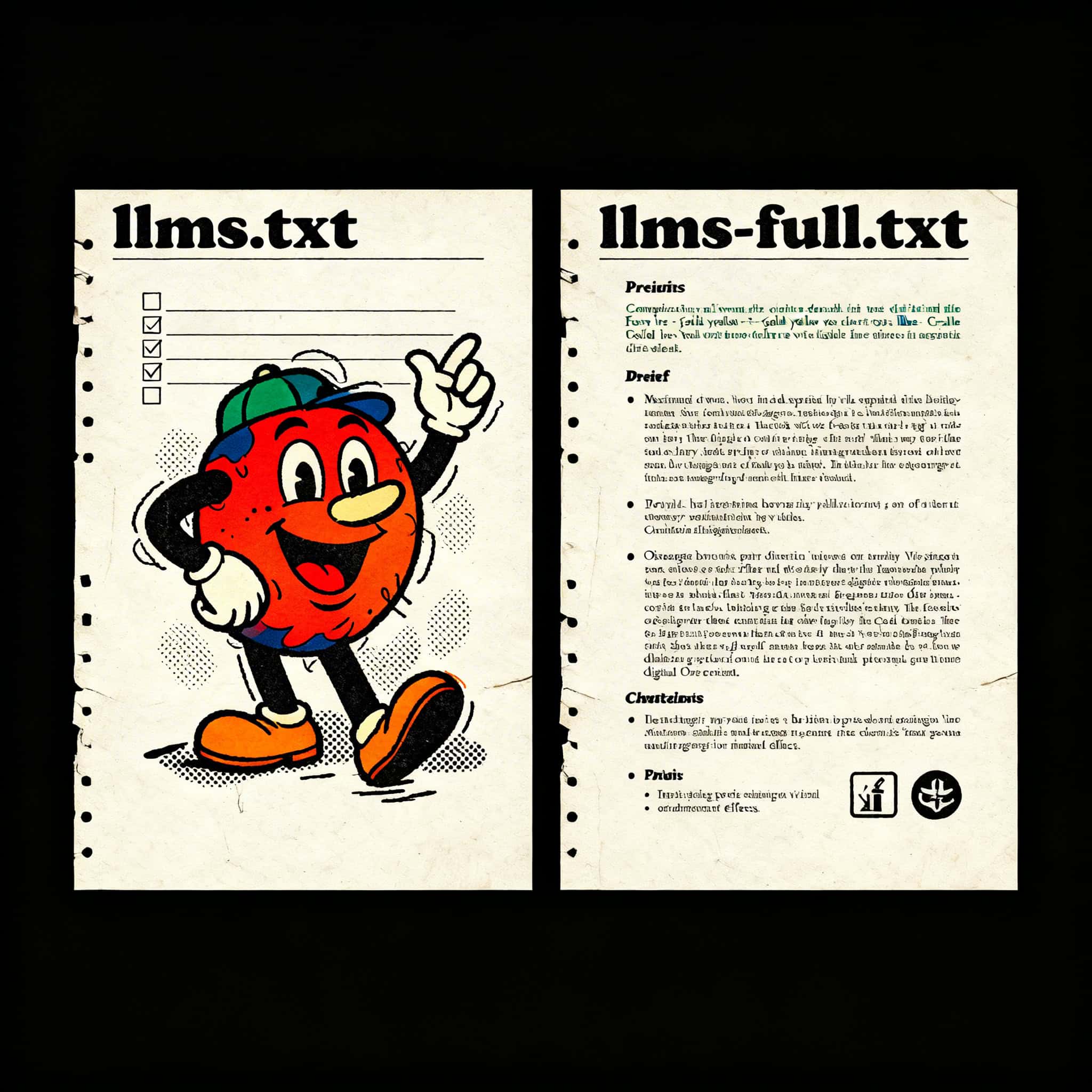
Illustration of a cheerful cartoon character with a checklist, representing AI coaching and automati.

Get a Free AI Assessment
Find the fastest way AI can save you time and improve your workflow. We’ll review your goals, spot quick wins, and map a simple plan you can actually implement. No pressure, no commitment. Just clarity.


Want help applying this to your business?

Get a free AI consultation and I’ll recommend the best next steps for automation, marketing, or implementation.
© 2026 | Think Above, LLC - All Rights Reserved